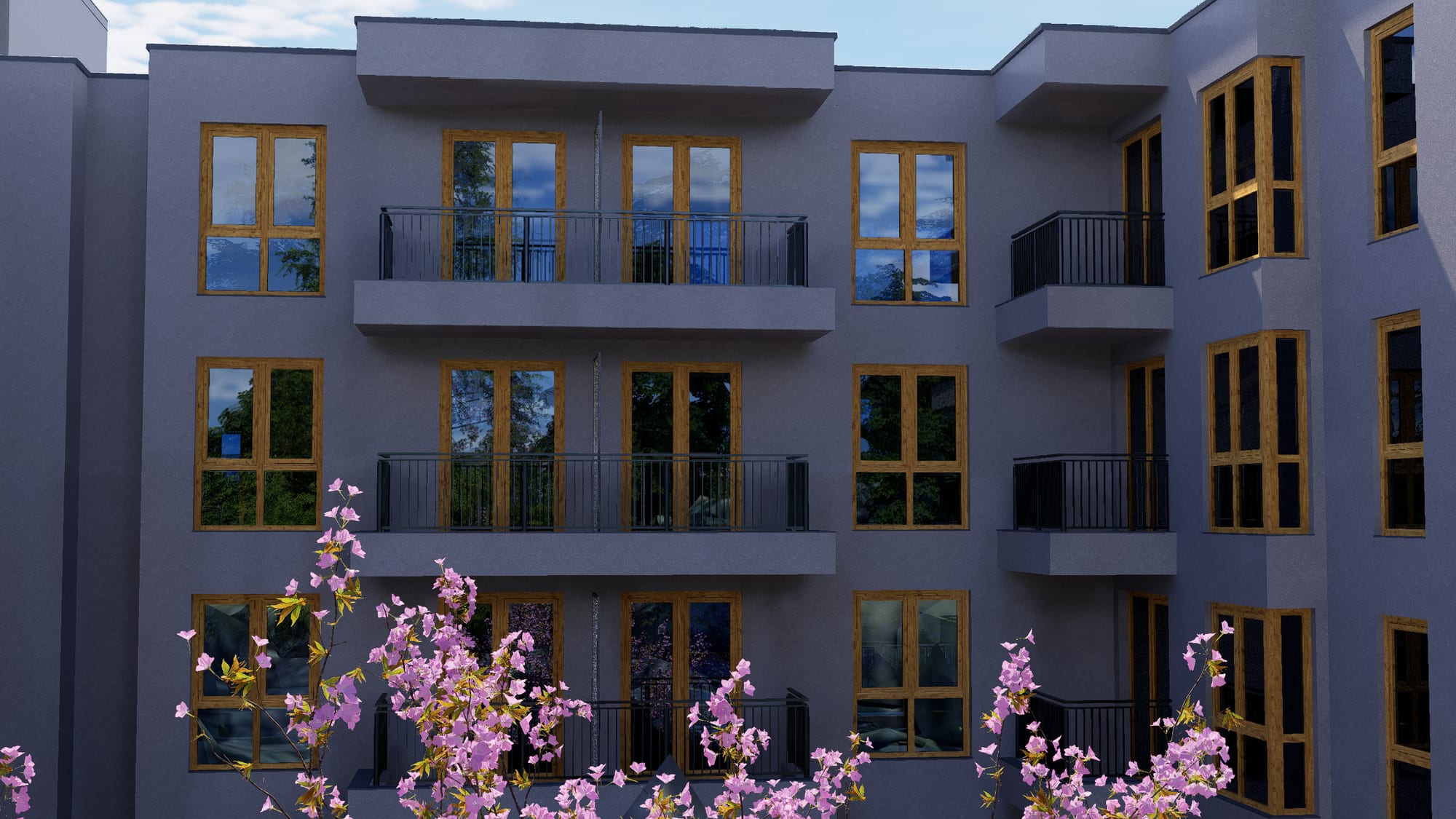
Orvala — VR
Walk the apartment. Not spin on the spot.
Most of what the industry sells as VR is a rendered sphere you look around from one place. Ours is a walkable build in Unreal Engine: the buyer crosses the room, opens the door, and finds out what 62 square metres actually feels like.
Recorded in the headset
This is what the buyer sees.
Thirty seconds of screen capture from one of our Meta Quest builds — not an edit, not a render, not a camera pointed at a screen. Everything in it is happening live on the headset.
- Those are the viewer's own handsTracked, in the scene, reaching for things. The buyer is present in the apartment rather than looking at a picture of it.
- The spheres are fabric optionsPicked up and applied to the sofa from where the buyer is standing. A pre-rendered sphere cannot do that at any price.
- Teleport or thumbstickThe locomotion menu on the wrist. Buyers who get motion sick take teleport; everyone else walks. Both cross the whole apartment.
- Nothing here was pre-renderedThe light, the shadows on the terrace, the reflection in the glass — all computed while the viewer moves, which is the whole difference the rest of this page is about.
Sound is off because the page autoplays it. The headset build has it.
The distinction
VR and a virtual tour are not the same product.
They are priced differently, they are built differently, and they do different jobs in a sale. We sell both — labelled honestly, which is more than can be said for most of the quotes you will be comparing ours against.
Real-time · Unreal Engine
VR walkthrough
A running simulation on the headset. Nothing is pre-rendered, so everything can respond.
- Walk continuously anywhere in the apartment, at true scale.
- Open doors, close blinds, switch lights on.
- Move the sun: any time of day, any season.
- Change flooring, kitchen finish, furnished or white box, while standing there.
- Compare unit types back to back inside one build.
- Runs standalone on a Meta Quest 3 — no PC, no cables, no operator.
Built for the sales gallery and for the buyers who are serious enough to come in.
Pre-rendered · 360
Virtual tour
A set of rendered spheres. Full render quality, from fixed positions only.
- Stand on one spot and look in any direction.
- Jump between positions, the way street view does.
- Opens from a link on any phone — no app, no headset, nothing to install.
- Pairs with the floor plan so a buyer knows where they are standing.
- Nothing moves, nothing responds, and scale does not read.
- A fraction of the cost, so it can cover every unit type rather than two.
Built for the website and for the buyer who has not visited yet.
Why real-time
Four things a rendered sphere cannot do.
- Real-time
- You walk, not spinThe buyer crosses the living room, steps onto the balcony, looks back at the kitchen from the hallway. Movement is continuous and the whole apartment is one space, because it is a running simulation rather than a set of photographs.
- Real-time
- Light that behavesSun angle, time of day and weather are live. A buyer can ask what the south bedroom looks like at six in the evening in November and be shown it, standing in the room.
- Real-time
- Things respondDoors open. Blinds close. Lights switch on. Finishes change while the buyer is standing there. None of that is possible in a rendered sphere, and all of it is what makes somebody stay in the headset.
- Real-time
- True scaleA 2.6 m ceiling feels like 2.6 m. A 3.2 m-wide bedroom feels narrow, because it is narrow. This is the one thing a plan, a render and a 360 all fail at, and it is the thing buyers are most anxious about.
What we deliver
The build, and everything around it that makes it usable on a stand.
A headset that nobody on your sales team can confidently hand to a visitor is an expensive paperweight. Half of this list is about that.
- Deliverable
- Standalone headset buildAn application that runs on the Meta Quest 3 or 3S itself. No PC on the stand, no cables, no operator crouched behind a laptop. Install it once and a salesperson hands over the headset.
- Deliverable
- PC VR buildWhere a client wants the highest fidelity and has the machine for it — Quest Link or a PC headset, with the full lighting and material detail the standalone build trims.
- Deliverable
- Flat-screen walkthroughThe same build, driven with a mouse or a gamepad on a screen in the sales gallery. Most visitors will not put a headset on; this is for them, and it is the same world.
- Deliverable
- Sales-gallery setupHeadsets configured in kiosk mode so a visitor cannot wander into the Quest home screen mid-demo, plus a tablet mirror so your salesperson sees what they are seeing and can talk them through it.
- Deliverable
- Finish and furnishing optionsSwitch specification level inside the headset — flooring, kitchen finish, furnished or white box. The conversation stops being about imagination and becomes a conversation about choice.
- Deliverable
- Several apartment typesOne build carrying the unit types that actually sell, so a buyer can walk the one-bed and the three-bed back to back and feel the difference rather than compare two numbers.
The other tier, in your browser
This is a virtual tour. Judge it for what it is.
Drag to look around. It is a real interior render from our production, running in your browser with nothing installed — and it is exactly as far as a 360 goes. In the headset build you would be walking through that doorway.
On a Meta Quest browser a View in VR button appears and the panorama opens in the headset — still a sphere, still from one spot. That difference is the whole of the section above.
- 360 tour
- What it isA rendered sphere. The buyer stands on one spot and looks around in any direction, at full render quality. Moving means jumping to another spot, like a street-view hop.
- 360 tour
- Where it winsIt opens from a link on any phone, with nothing to install, which is where most buyers first look. It is also a fraction of the cost of a real-time build, so it can cover every unit type rather than the two flagships.
- 360 tour
- Where it stopsNo walking, no true sense of scale, nothing moves and nothing responds. It is an excellent brochure image you can turn your head inside. It is not a walkthrough, and we will not sell it as one.
- 360 tour
- How they work togetherThe usual arrangement: 360s on the website for everybody, and the real-time build in the sales gallery for the buyers who turn up. Same model, same materials, one production.
Where it earns its keep
VR is not a gimmick when the building is a hole in the ground.
Every one of these is a situation where a buyer has to commit to something they cannot visit. That is the only place VR is genuinely worth paying for — and in off-plan it is every sale.
- Use case
- The sales galleryA headset on the stand does what a scale model cannot: it puts the buyer inside the apartment they are being asked to reserve. It is also the thing visitors photograph and post.
- Use case
- Overseas buyersA buyer in Dubai looking at a Warsaw development cannot visit. Ship the 360s for the shortlist, and fly them to a headset in your office when the deal is worth it.
- Use case
- Design reviewWalking a space at full scale finds problems a plan hides — ceiling heights, sightlines, how tight a corridor really feels. Far cheaper to fix in a headset than on site.
- Use case
- Launch eventsTwo or three headsets turn a presentation into an experience. It is the difference between a brochure handed over and a queue forming.
Hardware we build for
Meta Quest 3 and Quest 3S are the sensible default for a sales gallery: standalone, no PC, no cables, and cheap enough to own several. Quest Pro and Apple Vision Pro are supported where a client already has them, and a PC VR build is available where fidelity matters more than convenience.
For buyers who will never put on a headset — which is most of them — the same spaces ship as browser virtual tours. One production run, three places it lands.
What it needs from you
The same model and drawings the interactive building needs. If we are already producing your apartment finder, the VR build reuses that work rather than starting again — which is why it costs a fraction of commissioning it on its own.
What it does not do
VR does not replace the sales team, and it does not close a sale by itself. It removes the one objection a plan cannot answer: I cannot picture it. Everything after that is still a conversation.
Runs on the headset
Standalone builds, so there is no computer on the stand and nothing to go wrong in front of a client.
Kiosk locked
Visitors cannot wander into the Quest home screen or another app mid-demo.
Reuses the 3D work
Commission it alongside the apartment finder and the modelling is paid for once.
Options inside the headset
The same option range as the configurator, switched while the buyer is standing in the room.
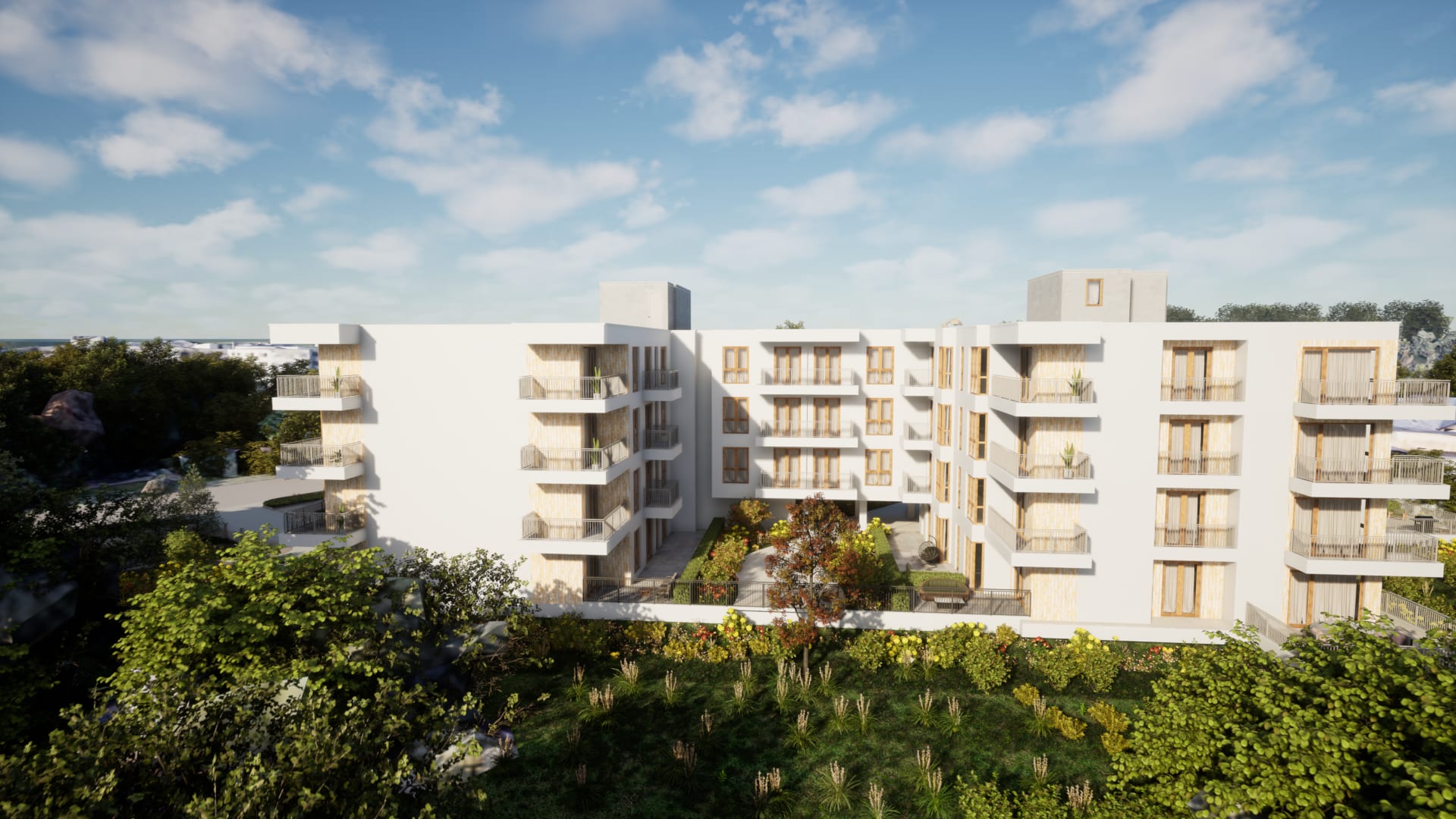
Book a call
See your own building running like this.
Send us the development — units, floors, and whatever drawings or model you already have. We come back with what it would look like, what it would cost, and how long it would take.