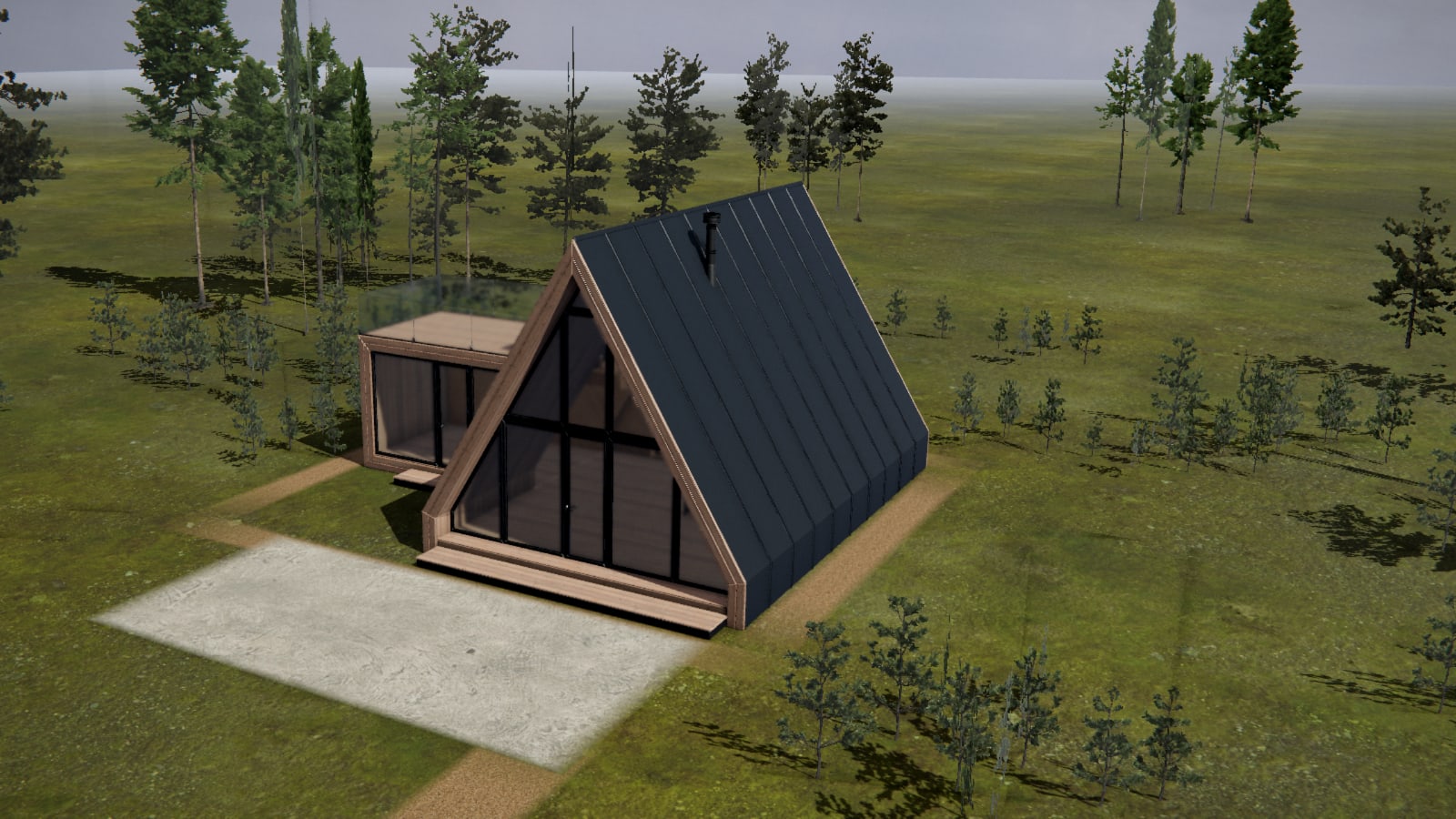
Orvala — Configurator
Let the buyer specify it, and watch what that does to the sale.
Cladding, roof, glazing, decking, interior, the position of the sun. The buyer makes the choices, the building changes in front of them, and the enquiry arrives with the specification already attached.
The product
Open it. It is the real thing.
A live configurator, running in your browser right now. Change the cladding, move the sun, orbit the house. Nothing on this page is a mock-up of it.
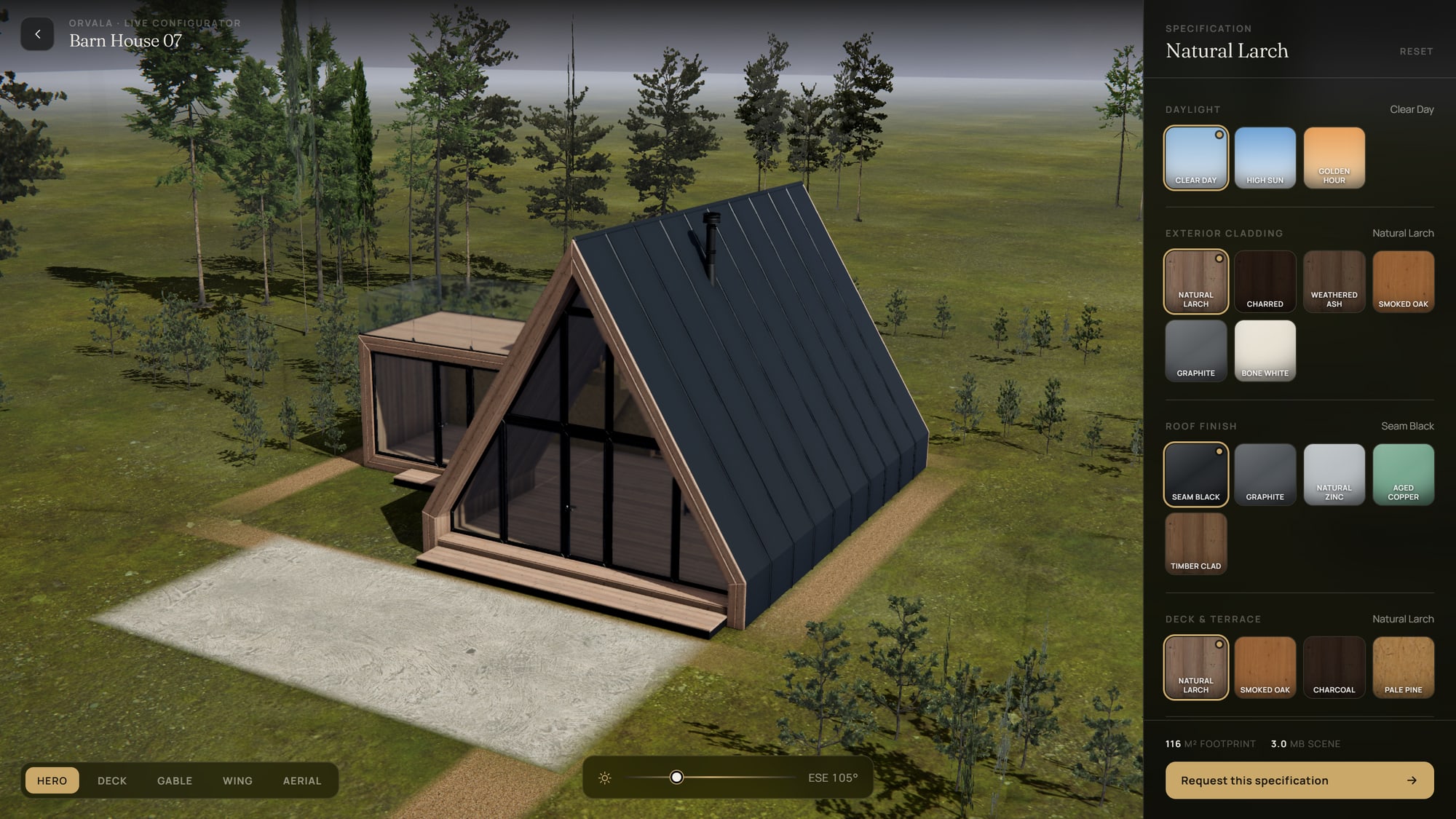
Every combination has its own link. Build one, copy it, and it reopens exactly as you left it — which is how a buyer sends their specification to whoever they are buying with.
Opens full screen in a new tabWhy it sells
Choosing is the moment a buyer stops comparing.
- Effect
- The buyer commits before they payChoosing a finish is a small act of ownership. By the time somebody has picked the cladding, the roof and the glazing, they have stopped evaluating your scheme and started picturing themselves in it.
- Effect
- The enquiry arrives specifiedEvery enquiry from the configurator carries the exact specification the buyer built, plus a link that reopens it. Your sales call starts at 'about the bronze glazing' instead of 'tell me what you are looking for'.
- Effect
- Upgrades sell themselvesA written options list is a cost. The same options seen on the actual building are a choice. Developers run configurators because the premium specification stops needing to be argued for.
- Effect
- It kills the variant render billSix cladding options across five camera angles is thirty renders, and thirty more the day the range changes. One real-time scene covers every combination and every angle, and updates in an afternoon.
One model, every combination
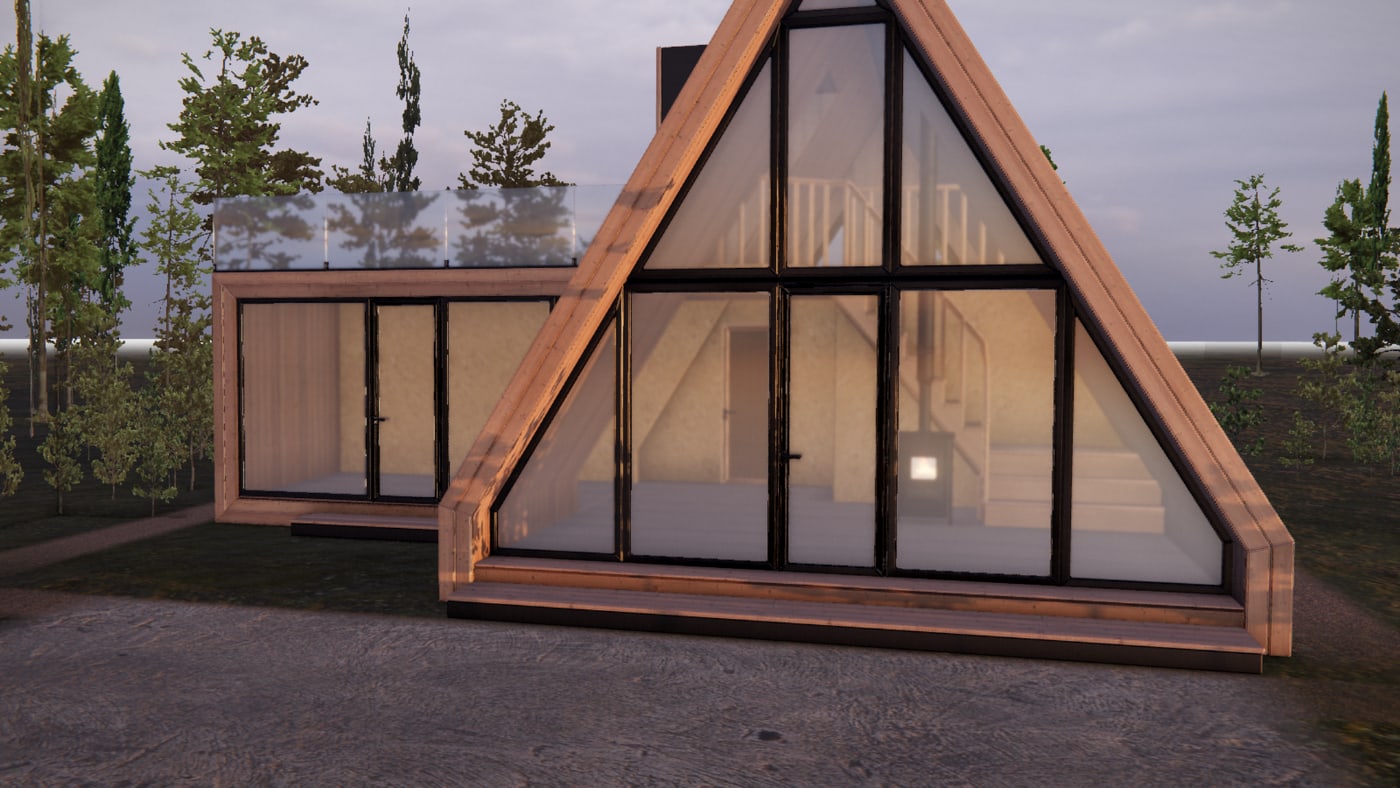
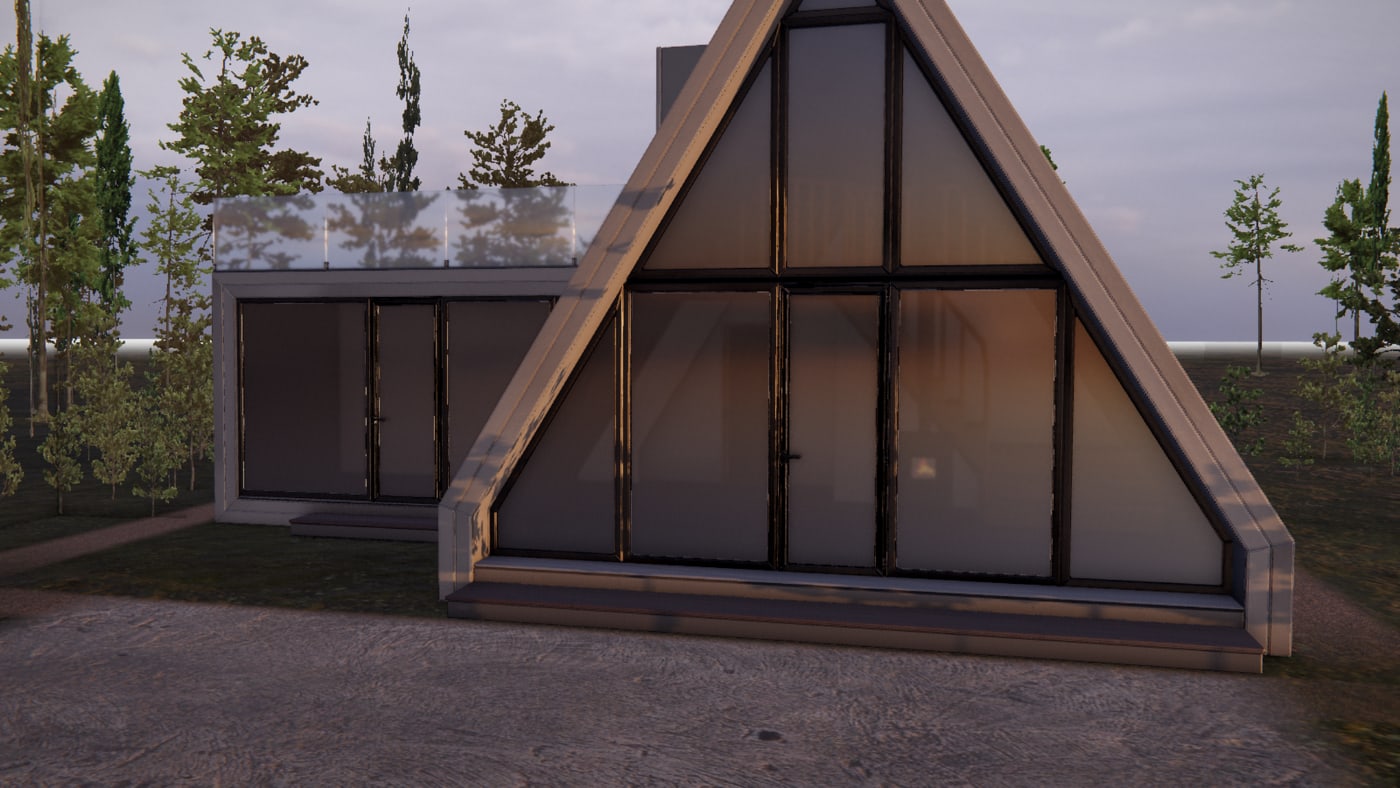
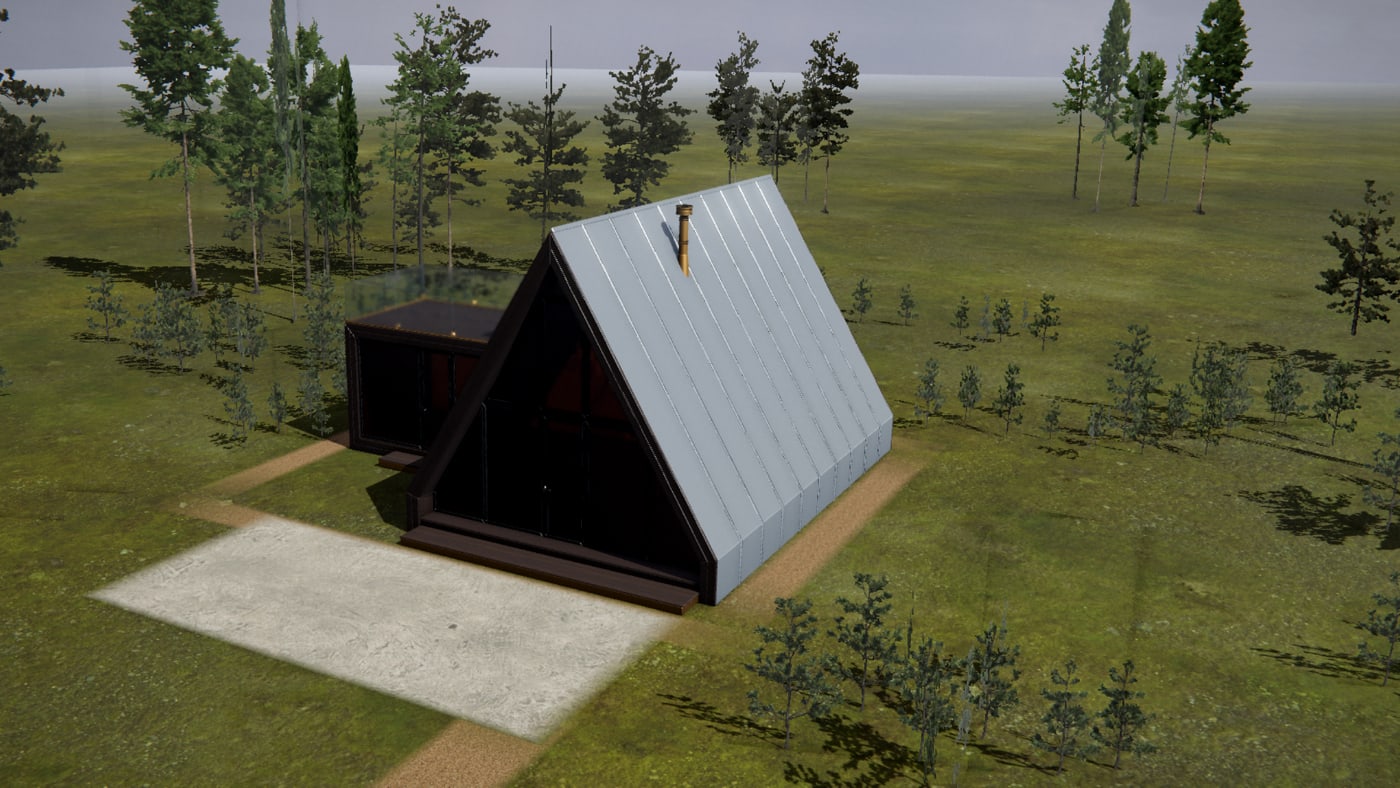
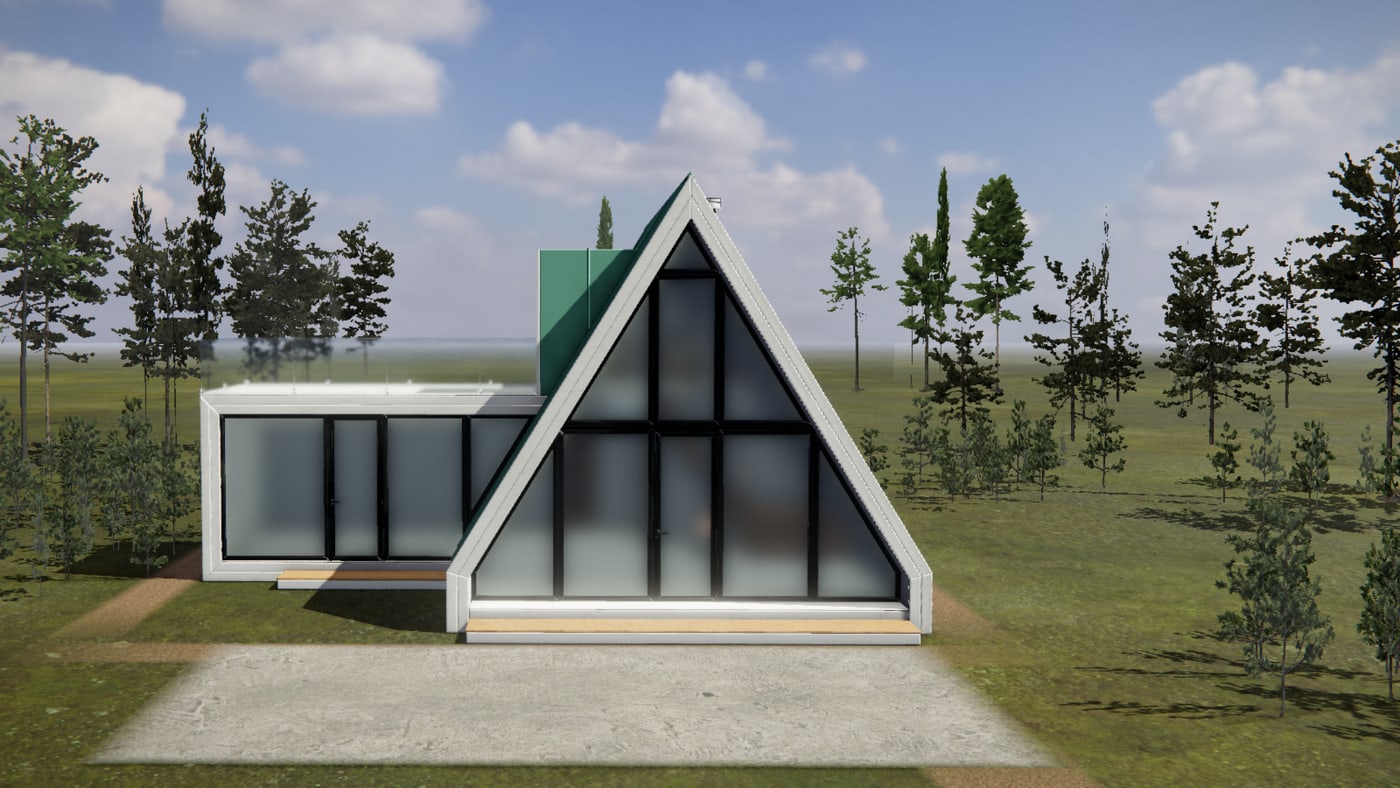
The same house. The same camera. A different building.
Each pair below is one viewpoint photographed twice, with nothing changed but the specification. These are screens from the configurator above, not four commissioned images — which is the point. Changing the range is a data change, so an options list stays editable after launch instead of becoming a re-render bill.
What is on the panel
The option range in the live one.
A demonstration range on a demonstration house. For your scheme we wire up the finishes you actually sell, with your names on them.
- Exterior cladding
- Natural larch, charred, weathered ash, smoked oak, graphite, bone white.
- Roof finish
- Standing-seam black, graphite, natural zinc, aged copper, or timber clad.
- Deck and terrace
- Natural larch, smoked oak, charcoal, pale pine.
- Trim and frames
- Matte black, bronze, anthracite, chalk white.
- Glazing
- Clear, bronze, smoked, satin etch — with the reflection and tint to match.
- Interior lining
- OSB, oak, pine plank, or painted.
- Daylight
- Clear day, high sun or golden hour, plus a sun-position slider that moves real shadows.
- Camera
- Five framed viewpoints, or free orbit. Every combination looks right from all of them.
What you get
Built for your scheme, run by your team.
- Included
- Your building, your rangeWe model the scheme and wire up the option range you actually sell — not a demo house with the names changed.
- Included
- Runs in the browserNo app, no plugin, no minimum graphics card. It opens from a link on a phone and keeps working on the stand when the Wi-Fi does not.
- Included
- Shareable specificationsEvery combination has its own link. A buyer sends it to whoever they are buying with, and that link is usually where the enquiry comes from.
- Included
- Leads with the spec attachedEnquiries land in the same panel as the rest of your activity, carrying the chosen specification and the link that reproduces it.
- Included
- Save an imageOne button saves the buyer's own configuration as a full-resolution image they can take away, email, or show to a partner.
- Included
- Changeable by youAdd a finish, retire one, re-price the range. The options are data, not thirty re-rendered images.
Where it goes
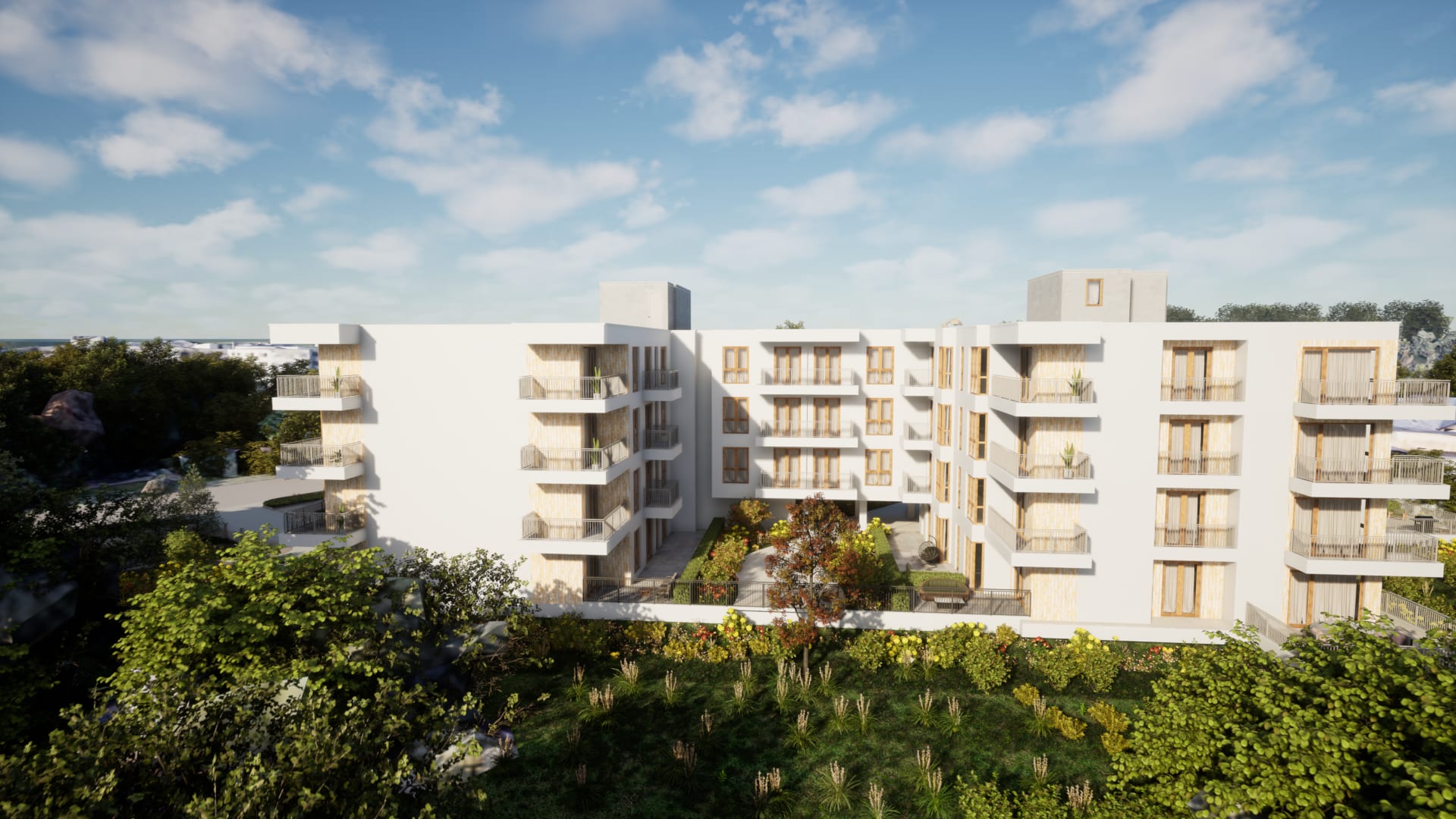
On its own page, inside the development website, or embedded in the apartment page of the sales platform so a buyer configures the exact unit they are looking at. The same build serves all three.
Houses, apartments and interiors
The live example is a house because exterior finish is the clearest demonstration. The same thing works on an apartment interior — flooring, joinery, worktops, tiling — and on a masterplan, where the choice is which house type goes on which plot.
What it does to the quote
A configurator is scoped on the number of option groups and how many of them change geometry rather than material. Swapping a finish is cheap. Swapping a roof form is a second model. We tell you which of your options is which before you commit to the range.
No app, no plugin
It opens in the browser the buyer already has, on the device they already own.
Every spec is a link
Shareable, reopenable, and attached to the enquiry when the buyer asks for it.
Save an image
One button gives the buyer their own configuration as a full-resolution picture to take away.
Also in the headset
The same option range switchable inside the VR walkthrough, while the buyer stands in the room.
Book a call
See your own building running like this.
Send us the development — units, floors, and whatever drawings or model you already have. We come back with what it would look like, what it would cost, and how long it would take.