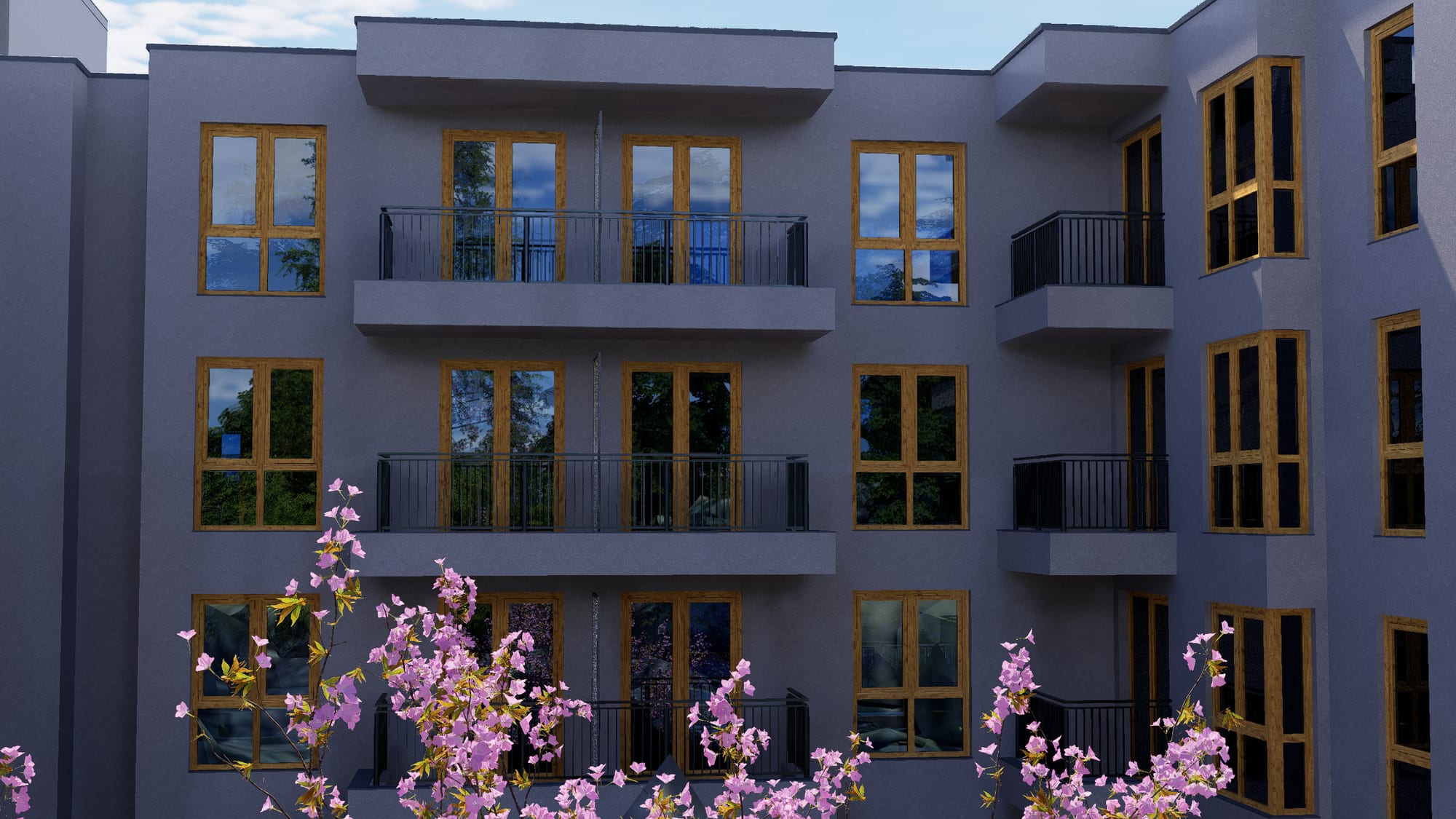
Orvala — How it works
Buyers explore. You watch what they open.
A buyer who cannot picture the apartment does not reserve it. Everything here exists to close that gap — and to tell your sales team exactly who got close.
The gap you are actually closing
Someone is being asked to commit to a home that does not exist, from a plan drawing and a unit code on a spreadsheet. Two questions decide whether they go further: where in the building is it, and what does it look out at.
A brochure answers neither well. A salesperson answers both, but only for the people already standing in front of one. Everyone else leaves without an answer.
What changes when they can see it
Buyers move around the development the way they would on a site visit, narrow it to the apartments that suit their budget and their aspect, and open the exact one they want. They send that link to whoever they are buying with — and that forwarded link is usually where the enquiry actually comes from.
Meanwhile you get the other half. Which apartments each visitor opened, what they filtered for, what they saved. Your team calls with the context already in front of them instead of starting from a form submission.
Works on what buyers own
No app, no plugin, nothing to install. Built to hold up on a mid-range phone on a weak connection — which is where a lot of viewings actually happen.
Costs the same at any scale
Ten visitors or ten thousand, the bill does not move. Popularity is not a running meter.
Yours to change
Prices, availability and content are edited by your team in seconds. No developer, no ticket, no agency retainer.
The buyer's route
Three steps from curious to enquiring.
They see it
The whole development, from every angle
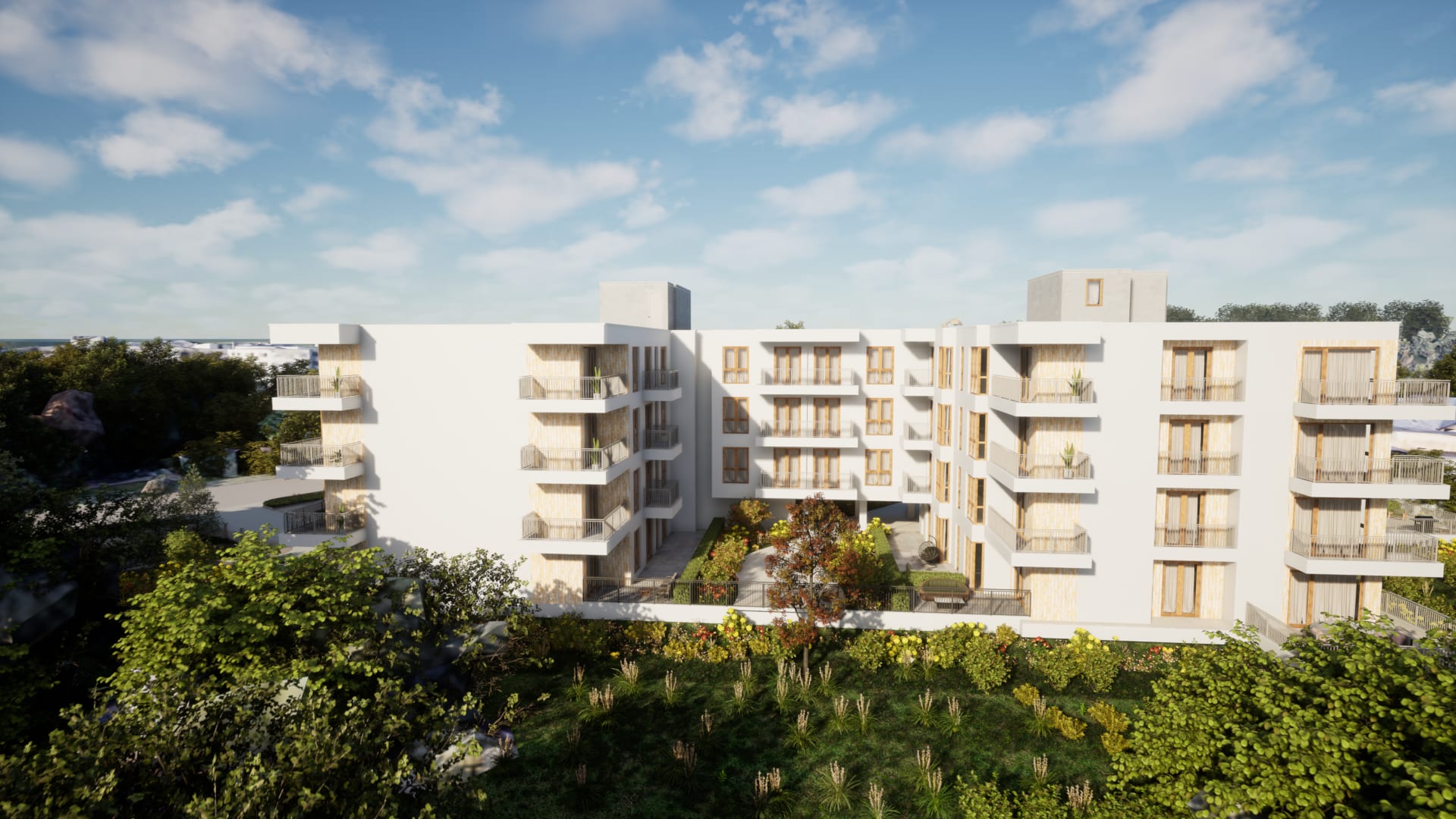
Buyers move around the building the way they would on a site visit — the facade, the courtyard, the pool, the view from the top floor. Not a gallery of stills they have to piece together in their head.
They narrow it
Down to the handful that suit them
Budget, rooms, floor, aspect, outdoor space. A hundred apartments becomes the four worth talking about, and the building itself shows which ones they are.
They choose it
One apartment, everything about it
Plan, size, aspect, price, availability — and a link they can send to whoever they are buying with. That link is usually where the enquiry actually comes from.
Process
Live in weeks, not quarters.
Model and unit data
We take your existing 3D model, or build one from architectural drawings. Your unit schedule arrives as a spreadsheet and stays editable afterwards.
Production
We produce the visuals and wire every apartment in the schedule to its place on the building. You see a first pass before anything is finalised.
Build and brand
The site is assembled in your development's identity — not ours. Your logo, your colours, your domain. Orvala is the platform underneath, not the name on the door.
Handover and training
Your team gets the editor and the lead panel, a walkthrough, and a direct line for changes. Updating a price takes about ten seconds.
What we need
What to send us to start.
- A 3D model, if you have one
- Any common format works — 3ds Max, Revit, SketchUp, Blender, FBX or IFC. If you do not have one, architectural drawings are enough and we build it.
- Your unit schedule
- A spreadsheet of apartments with floor, area, rooms, aspect, price and status. Anything missing can be added later without a rebuild.
- Floor plans
- Per unit type, as PDF or image. These become the plan drawings inside each apartment page and the generated brochures.
- Brand assets
- Logo, typeface and colours, or a link to your brand guidelines. If a development has no identity yet, we can propose one.
Book a call
See your own building running like this.
Send us the development — units, floors, and whatever drawings or model you already have. We come back with what it would look like, what it would cost, and how long it would take.